Just like 2012.
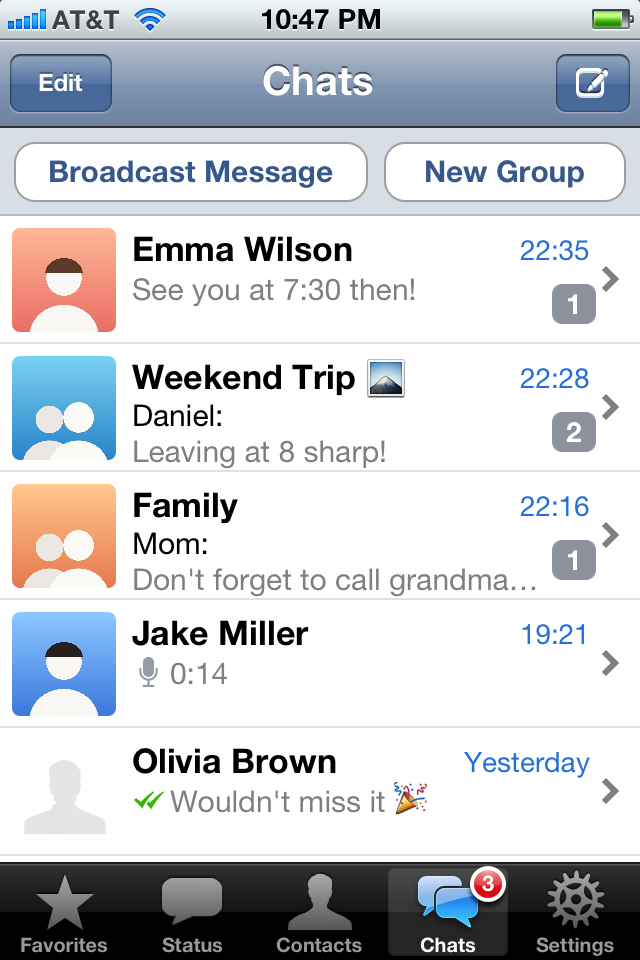
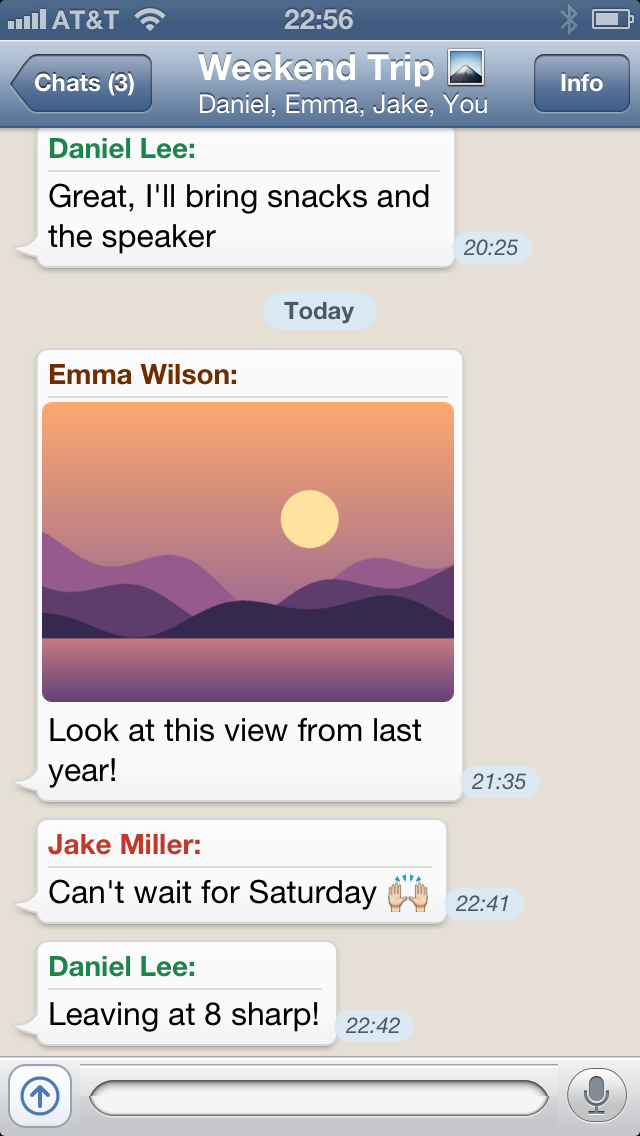
WA Classic looks and feels like WhatsApp 2.10, the version that came with iOS 6: green bubbles, the doodle wallpaper and the glossy bars.
But it talks to today's WhatsApp, so all your chats, groups and contacts are there.
Thoughtfully designed
Every screen is rebuilt after WhatsApp 2.10, down to the little gloss on the buttons.
Everything is still here
Chats, groups, photos, voice messages and calls, linked to your account like WhatsApp Web.
Bubbles your way
Pick a bubble colour for all chats, or a different one for each chat.
Photos, videos and voice.
Send photos and videos from the camera or your albums, several at once from the attachments bar, and record voice messages with a tap.
Everything you receive plays right on the old iPhone. The bridge converts it for you.
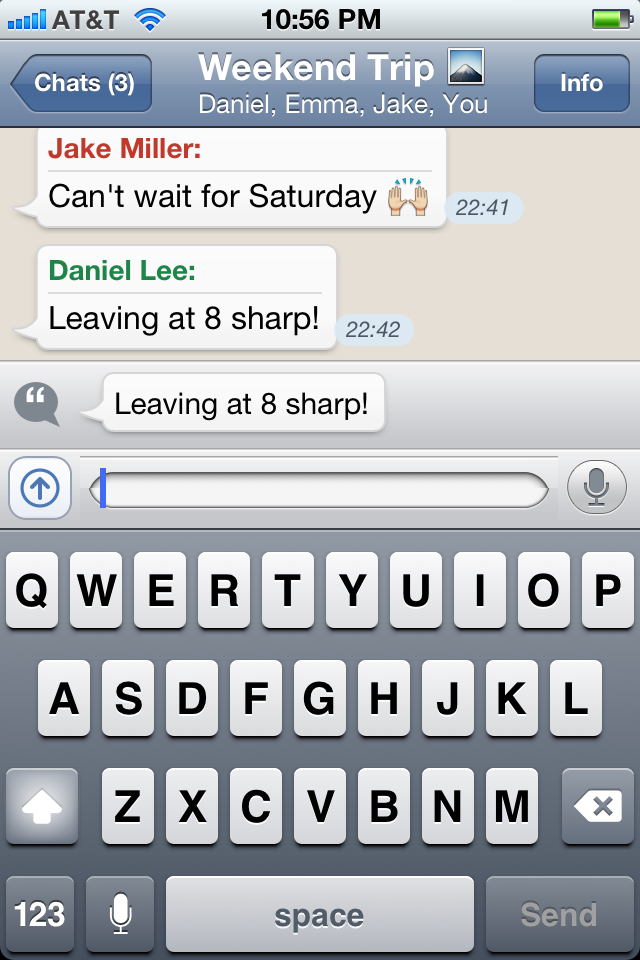
Attachments bar
Quotes, photos and videos wait above the keyboard until you send them.
Auto-Download
Choose for photos, audio and videos: never, on Wi-Fi, or always.
Optimize Video
Smaller videos that download fast and play even on the iPhone 3GS.
Voice calls, like a phone call.
Calls ring like a real iPhone call: slide to answer on the lock screen, the familiar call screen, and the green bar when you go back to the Home screen.
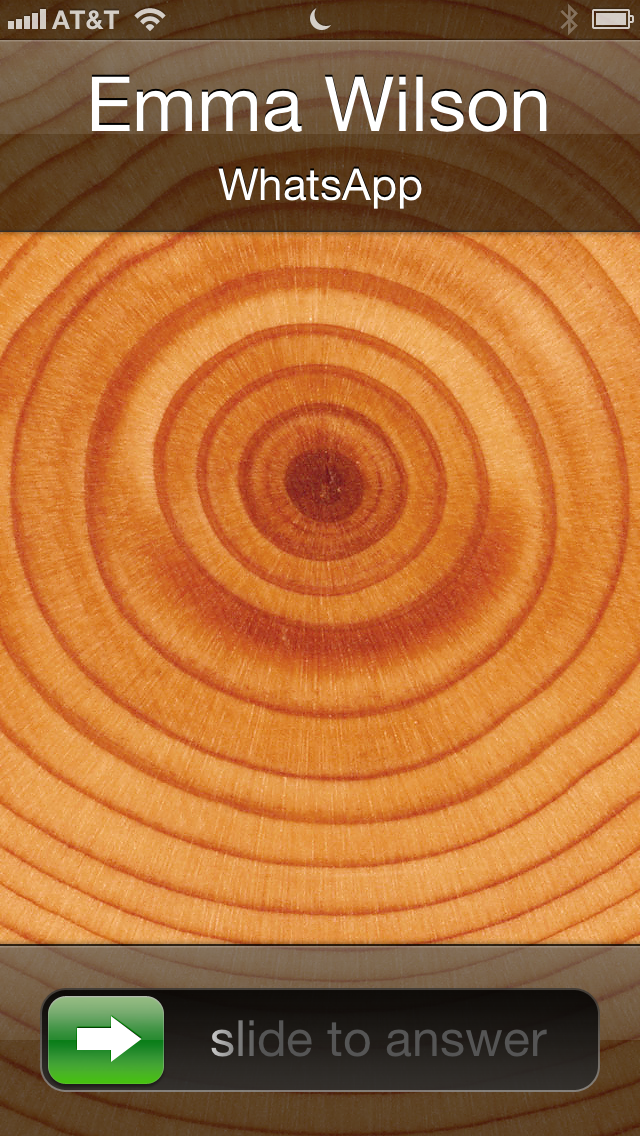
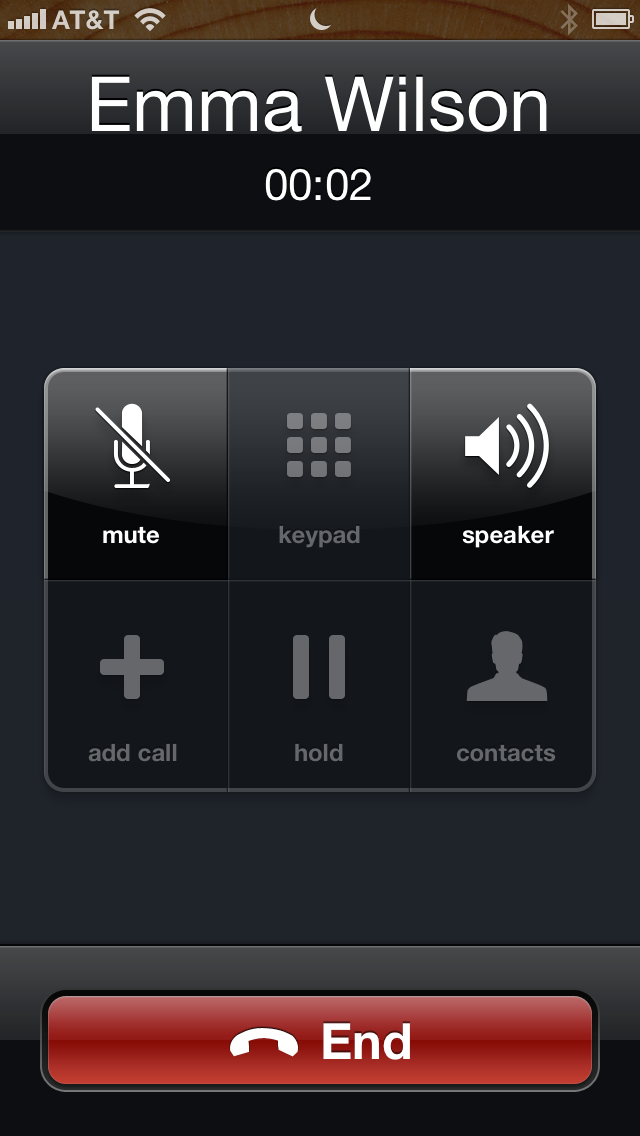
Slide to answer
Incoming calls show up on the lock screen, even when WA Classic is closed.
The green bar
Go back to the Home screen during a call, tap the bar to return.
Missed calls in the chat
Every call shows up in the chat. Tap it to call back.
There's more to love.
Swipe to reply
Swipe a message to the right and your answer quotes it, just like on today's WhatsApp.
React with any emoji
Swipe a message to the left and pick any emoji from your iPhone's keyboard.
See who reacted
Tap a reaction to see everyone who reacted, and take back your own.
Groups
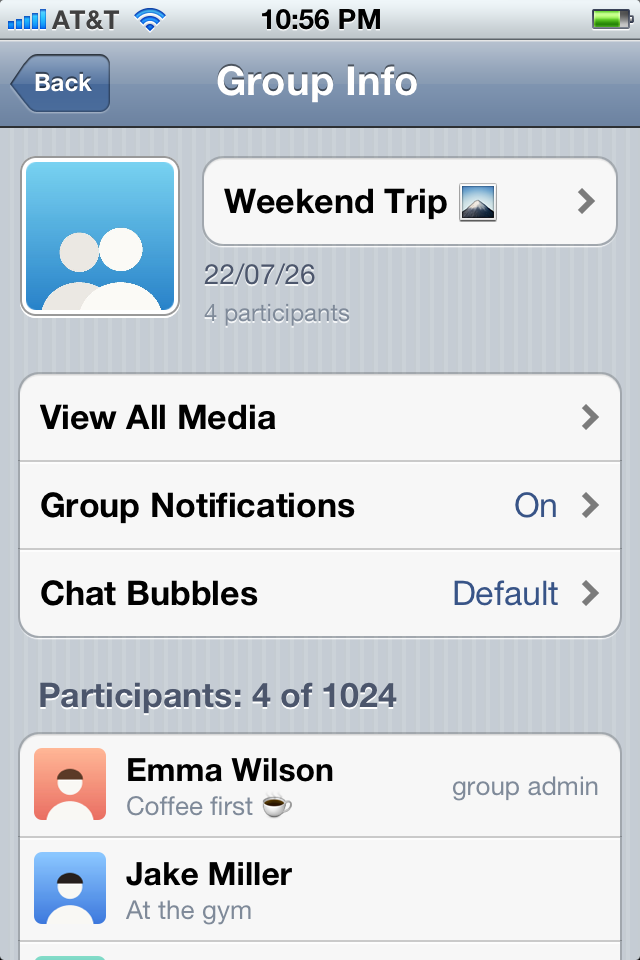
Change the subject and picture, add and remove participants, Delete and Exit Group.
Broadcast Message
The same message to many contacts at once, each in their own chat.
Favorites
The people you write to most, one tap away.
New Message
Tap the pen to start a chat with any contact.
Status
Set your status from the list WhatsApp had in 2012, or write your own.
Notifications
Banners, lock screen, sounds and badges, even when WA Classic is closed.
Mute
Muted chats stay quiet, in sync with your phone.
Delete chats
Tap Edit to delete a chat here or everywhere.
Away from home
Encrypted, through your own router. No one else's server in between.
Calls like a phone call need MobileSubstrate and a respring after installing.
WA Classic is an unofficial client and not affiliated with, endorsed by or connected to WhatsApp or Meta. Using it may break WhatsApp's terms of service; your account could be banned. Messages are stored unencrypted on the computer that runs the bridge.
iPhone pictures on this page are drawings; the screenshots show made-up demo chats. WhatsApp is a trademark of WhatsApp LLC.